Translation memory vs glossary: what's the difference and why you need both
Translation memory vs glossary: what each one stores, where each one fails, how to settle conflicts, and which to build first if you have neither.
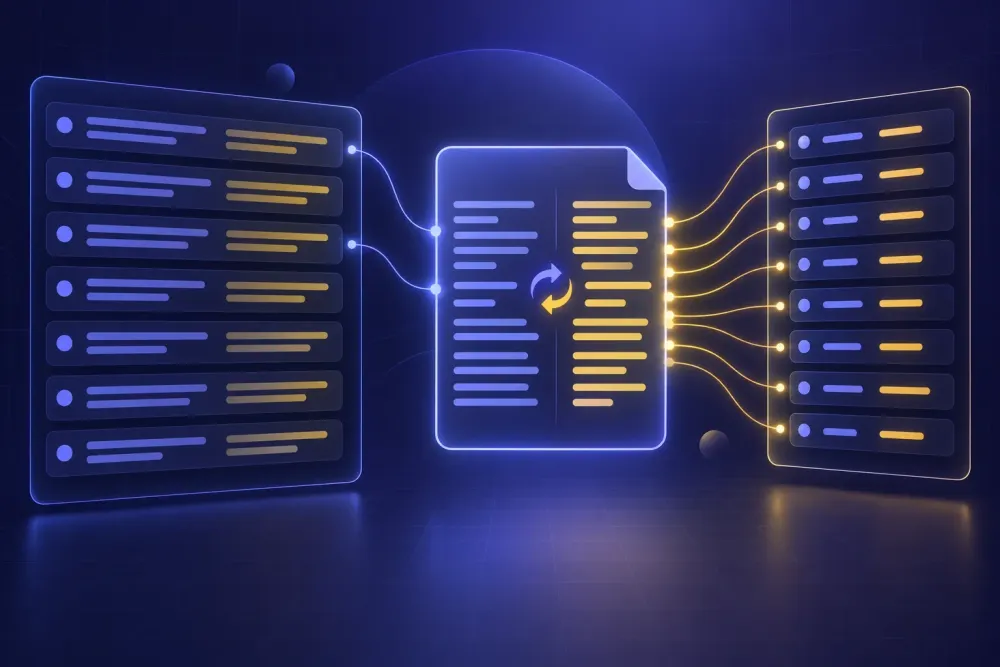
Most terminology arguments inside an agency are really arguments about storage. Someone says the translation memory should have caught a wrong term. Someone else says the glossary should have. Both are half right, and the gap between them is where the rework budget goes. Translation memory vs glossary is not a choice between two tools competing for the same job. The two assets store different units of text, fire at different moments, go stale in different ways, and fail where the other one is blind. A TM without a glossary leaves terminology to whoever translated a sentence first. A glossary without a TM means paying twice for sentences you already own.
Translation memory vs glossary: the difference is the unit, not the purpose
A translation memory stores segments. In practice that means sentences, sometimes headings or table cells, each paired with the translation someone confirmed. A glossary stores terms, each paired with an approved equivalent. Everything else that separates the two follows from that one difference in unit size.
A TM entry is a precedent. It says: this exact sentence was rendered this way, and someone signed off on it. A glossary entry is a rule. It says: wherever this term appears, in any sentence, in any document for this client, it comes out like this.
Precedents only apply to text that looks like the text they came from. Rules apply to text nobody has seen yet. That asymmetry decides which asset carries a given project. Hand a brand-new forty-page document in a domain you have worked in for five years to both assets at once, and the glossary will govern several hundred segments while the TM touches a dozen.
We saw the split cleanly on two jobs for the same client inside one quarter. Their annual report update ran at roughly 60% sentence overlap with the previous year, so the memory did most of the work and the glossary mainly stopped two renamed business units from reverting to their old names. Their new product brochure, same client, same language pair, matched almost nothing in the TM. The brochure had been written from scratch. The glossary still governed around eighty terms in it, because the terms had not changed just because the sentences had.
A second consequence follows. A TM is only true for one language pair, one direction, and usually one client, because it is a record of what was delivered. A glossary entry is closer to a decision about meaning, which is why clients will argue about glossaries and have never once asked to see a TM.
What a translation memory is good at, and where it fails quietly
A memory answers one question well: have we translated this before, and how? On content that genuinely repeats, that question is worth a great deal. Maintenance manuals, framework contracts, regulatory filings, release notes, anything reissued with changes rather than rewritten.
The cost mechanics are documented by the tools themselves. Smartcat's documentation describes exact matches as applied automatically at zero Smartword cost and fuzzy matches at roughly 40% of full cost, with a stated reduction of about 40% on projects with significant repetition. Figures differ by vendor and by how the analysis is configured, but the shape holds: repetition you already own costs less than repetition you translate again.
The quiet failure is that a memory records what was delivered, not what was correct. Nothing in it checks itself. One of our industrial clients had a bearing housing component rendered with the wrong target term by a translator in early 2023. The segment was confirmed, entered the memory, and was applied automatically across eleven later projects before a reviewer on the client's side noticed. The memory had not caused the error. It made the error cheap to repeat, which is worse, because nobody re-reads a 100% match.
High fuzzy matches carry their own risk. A 95% match on a sentence where the only change is a figure or a negation is exactly the case translators skim. We have watched a torque value survive two revisions that way.
This works best when the content repeats in the way a memory expects: the same sentences, same direction, same client, in a file that has been kept rather than recreated per job. On marketing copy rewritten every cycle, a memory is mostly an archive you are paying to store. That is not an argument against keeping it. It is an argument against expecting it to control quality.
What a glossary controls that no translation memory can
A glossary applies to text it has never seen, which is the whole point of it. It also holds decisions a memory has no field for: terms that must not be translated at all, brand and product names, acronyms that expand on first use in one language and stay closed in another, and disambiguation notes for terms that mean two things inside the same document.
The clearest case we work on is spreadsheets. A product catalogue we translated last spring ran to about 4,800 populated cells averaging three words each. The memory returned almost nothing usable, because cells are not sentences and the near-duplicates differed only by a size code, which is enough to drop them below any sensible match threshold. A glossary of 140 terms plus a do-not-translate list did effectively all of the consistency work. When the same catalogue came back six months later with 300 new rows, the memory finally helped, because by then most cells were literally identical to the previous delivery.
The other thing a glossary can do is be reviewed. You can send eighty rows to a client's engineer and get decisions back in a day. Nobody reviews a 40,000-segment memory, and no client has ever asked us to.
Glossaries fail in their own way. An over-stuffed glossary produces QA noise: a term flagged as violated because the target form is inflected, or because the source word appears in a sense the glossary does not cover. We keep ours tiered, with a small set of hard constraints and a larger set of preferences, and we cap the hard set at something a reviewer can hold in their head. The structural side of that distinction, including when a termbase is the better container, we went through in termbase vs glossary.
When the memory and the glossary disagree
Sooner or later a client approves a new term for something they have been calling something else for years. The glossary gets updated the same day. The memory still holds hundreds of confirmed segments using the old term, and it will apply them automatically on the next project.
Smartcat's documented AI pipeline shows the collision in order of operations: the file is segmented, TM exact matches are applied automatically with no review, AI translation runs on the rest, QA checks then flag glossary violations, and a glossary-term fix pass corrects the flagged terms. A segment can arrive pre-filled from the memory and be flagged against the glossary in the same pass. That is not a flaw in the design. It is the two assets doing exactly what each one is for.
Our rule is that the glossary wins on terms and the memory wins on phrasing. The reason is not that glossaries are better. It is that the glossary is the only one of the two with an approval trail behind it. Someone on the client side decided. A memory segment records that a translator once pressed confirm.
Winning the argument is not the same as closing it. If the memory is never cleaned, the conflict returns on every project and reviewers spend their attention re-rejecting the same segments. A term change is a maintenance job, not a glossary edit: search the memory for the retired term, update or retire the affected segments, and log the date so the next person knows which deliveries predate the change. The fuller procedure is in translation memory maintenance. Agencies that skip it tend to find the backlog two years later, inside a client complaint.
File format decides which asset carries the project
Running one client's content through three formats makes the balance obvious.
In long DOCX prose both assets work, and the memory carries whatever repeats. A revised technical manual is the best case either asset will ever see.
In XLSX workbook translation the unit of text is a cell, and cells are fragments. Matching becomes all or nothing. Either the cell is identical to a previous delivery and the memory fills it, or it differs by one token and the memory is silent. There is no useful middle. Glossary and do-not-translate rules carry that work almost alone.
PPTX presentation translation sits between the two. Slide bodies behave like fragments, speaker notes behave like prose, and the match rate depends entirely on whether the deck is a revision or a rebuild. A 38-slide deck we handled in August was a revision: around 70% of the on-slide text was untouched, and the memory filled it. The same client's new pitch deck a month later matched close to nothing.
The format mix inside a single project matters too. When a client sends a manual, its parts list and the training deck together, the memory treats them as three unrelated bodies of text while the glossary is the one thing holding all three to the same terms. That is the ordinary case for us, not the exception, and it is the reason we build the glossary at project level and the memory at client level.
One caveat catches freelancers more often than agencies. None of this applies if the memory is created per project rather than per client, which guarantees a zero match rate on every first run. It is a common default in CAT tool project wizards, and it quietly throws away the one asset that compounds. A glossary scoped per project has the same problem, with the added cost that the terminology decisions get made again from nothing each time.
AI translation uses the two in completely different ways
This is where the two assets stop being symmetrical, and where we think most of the current confusion comes from.
A glossary can be stated. It is short, it is text, and it can go into the translation prompt as a constraint the model is told to respect. A memory cannot be handed over the same way. Thousands of segments do not fit in a prompt, and most of them are irrelevant to the document in front of you. A memory enters an AI workflow by retrieval instead: pre-translation of matching segments before the model sees the file, or injection of the closest matches as examples.
The practical result surprises people. In an AI workflow the glossary matters more than it used to, not less. A model will produce fluent output while varying its rendering of the same term across a long document, and it does this without any signal that something has gone wrong. The memory will not notice, because every sentence is new to it. A glossary is the only one of the two that can be stated as a rule before the work starts.
Prompting is not enforcement, and we would rather say so than oversell it. Term adherence improves when the glossary is in the prompt. It is not guaranteed, which is why a terminology check on the output still earns its place in the workflow, and why post-editing on long documents should read for term drift rather than only for fluency.
If you want the AI step itself structured rather than a single generate button, SnapIntel takes a DOCX, XLSX or PPTX project through domain analysis, glossary and translation prompt that you review and approve before translation starts, then returns the translated file with a QA report and a quality rating. There is also a neutral source and target XLSX export, so the content stays usable if it later needs to go into a translation memory or in front of a reviewer. The trial is 5,000 words over seven days with no card: snapintel.io.
If you have neither, build the glossary first
Agencies starting from nothing usually reach for the memory, because the memory is the asset with a cost story attached to it. We would do it the other way round.
A glossary can be built in an afternoon and starts working on the very next project, including on content nobody has translated before. Pull the last three files you delivered for your largest client, extract every term that appears in at least two of them, cut the list to the sixty or so a reviewer would actually challenge, add a context note and a do-not-translate column, and send it to the client for approval. The approval is the part that gives the list authority later.
A memory built from scratch means aligning past deliveries, which is slower, dirtier, and produces an asset that pays off on project five rather than project one. Worth doing. Not worth doing first.
Then fix the scoping, which costs nothing at all. Both assets belong to the client, not the project. A memory and a glossary created inside a single job get thrown away at the end of it.
One measurable check for your next two projects. Count the terminology corrections your reviewer makes, and sort them into terms the glossary already covered and terms it did not. The first group means the glossary is not reaching the translation step, which is a workflow problem. The second group is your glossary backlog, and it is the only list that tells you which sixty terms to add next.