How SnapIntel Domain Analysis Improves Translation Quality Before You Start
SnapIntel domain analysis reads your document before translation starts, then shapes the glossary and prompt. Here is what it catches and what it misses.
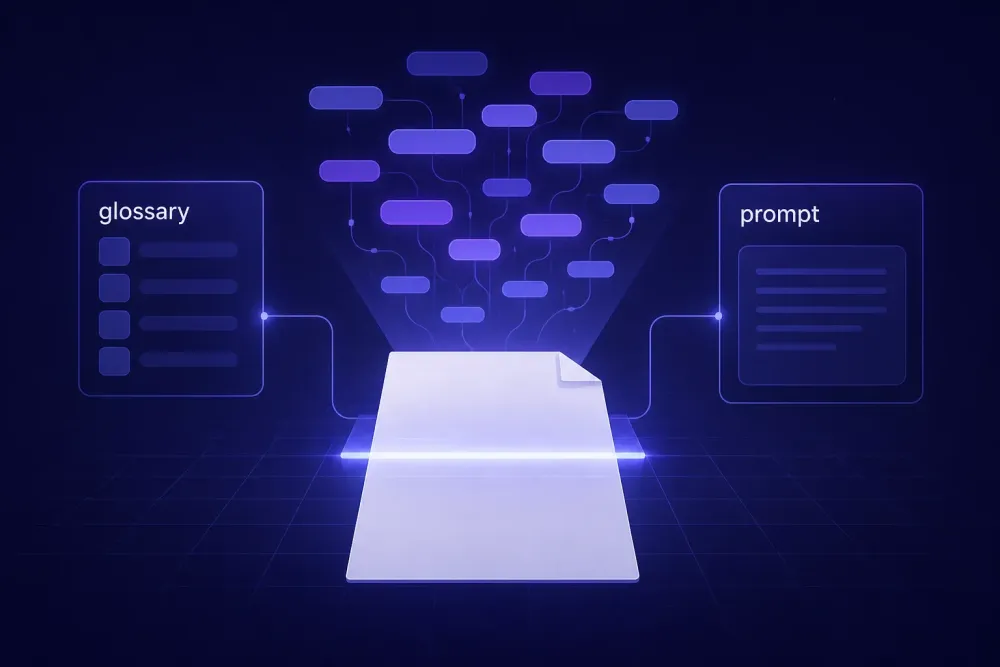
Most AI translation goes wrong in the first thirty seconds, before a single word has been translated. The model gets handed a chunk of text with no idea what kind of document it came from, and it produces fluent target language anyway. Fluent and wrong is the worst failure mode we deal with. SnapIntel domain analysis is the step that closes that gap: it reads the source file, works out what field the document belongs to and what conventions apply, and passes that reading downstream to the glossary and the translation prompt. Below is what the step actually produces, where it changes the output, and where it does nothing at all.
What domain analysis actually does before translation starts
When you create a project in SnapIntel and upload a DOCX, XLSX, or PPTX file, the system normalizes the visible text into an internal bilingual template. Domain analysis runs against that extracted text. Not against the filename, not against anything you type into the project name field.
What comes back is a short written reading of the document: what subject area it belongs to, what document type it is, what register it uses, and which terminology conventions it appears to follow. A supplier quality manual reads differently from a shareholder letter, and both read differently from a slide deck written to persuade. The analysis names that difference in plain language and stores it on the project.
Two things about the step that people get wrong.
First, it is recommended but not required. The interface shows a hint next to the analyze action, and nothing blocks you from skipping it and writing your own glossary and prompt. We built it that way on purpose. A translator who already knows the client and the subject does not need a machine to tell them the document is a lease agreement.
Second, the analysis is not the translation instruction. It is the input to the translation instruction. Domain analysis produces a reading; glossary generation and prompt generation consume that reading. Skip the analysis and the later steps still work, they just start from less.
One practical detail that trips people up: the output is written in whichever app language you have active when you run it. Interface in Russian, analysis in Russian, regardless of the language pair you are translating. The analysis is for you, not for the model's benefit alone.
Why translation models fill in context you never gave them
A language model does not refuse when it lacks context. It picks the most probable reading and commits.
Take the word "provision". In a services agreement it means a clause. In a set of IFRS financial statements it means a liability of uncertain timing or amount, which in Russian is «резерв» and in German is "Rückstellung". Both readings are correct English. The model has to choose, and without a document-level signal it chooses whichever sense dominates its training distribution for that sentence shape. In our experience that lands on the general-language sense far more often than the specialist one, because general language is simply more common.
Now scale that up. A 40-page financial report contains hundreds of terms with a general sense sitting on top of a domain sense: interest, security, issue, return, charge. Each one is an independent coin flip if the model has no frame. The output reads smoothly and fails a terminology review.
This is why error typologies like MQM keep mistranslation and terminology as separate top-level categories. They fail differently. A mistranslation is usually visible to anyone who reads both sides carefully. A terminology error passes a fluency check and only gets caught by someone who knows the field, which in a lot of workflows means the client. Those two errors do not cost the same.
Segment-level translation makes this worse, because each segment arrives without its neighbours. Document-level context helps, and on a long file the earlier context eventually falls out of the window anyway. A stated domain does not fall out. It sits in the instruction for every batch, from the first segment to the last.
That is the whole argument for doing the reading once, at the start, and carrying it through the job rather than hoping the model re-infers it correctly each time.
How snapintel domain analysis shapes the glossary and the prompt
The analysis is only useful because of what happens next.
Glossary generation runs after it and uses it. Instead of extracting whatever nouns repeat most often, the extraction is aimed: given that this is an IFRS annual report, pull the accounting terms that carry a fixed rendering and the entity names that must not be translated at all. You can edit the result, paste your own list over it, or delete it and start again. Glossary content has to be non-empty before translation can start, so something has to be there. Nothing forces it to be the generated version.
Prompt generation runs after the glossary and uses both. It produces the instruction the model works from: subject area, register, how to handle numbers and units, what to leave in the source language. Editable in the same way.
Then the approval gate. Translation does not start until glossary and prompt are both filled in and approved, and that is enforced on the server rather than only in the interface. We have written elsewhere about how the DOCX workflow runs end to end. The short version is that preparation is a gate, not a suggestion.
If you want to try the glossary half of this without creating a project at all, the free glossary generator does term extraction on its own.
There is also an auto path for people who do not want to touch any of this. In auto mode the whole chain runs unattended from one click: analysis, glossary, prompt, translation. The artifacts get written to the project as each stage finishes, so you can open a completed job and read exactly which glossary and which prompt produced the file you received. That matters more than it sounds. A translation you cannot audit is a translation you have to re-check from scratch.
Two documents where the domain call changed the output
Financial statements, English into Russian. The source used "provision" fourteen times in the accounting sense and twice in the general sense, inside a note about contractual terms. With the domain fixed as IFRS reporting and «резерв» in the glossary, the accounting instances came back consistent across the whole file. The two general-sense instances still needed a human eye, and a reviewer caught them. That is the realistic outcome, and we would rather describe it honestly than pretend otherwise: the domain call fixed the systematic error and left the exception for a person.
Medical device instructions for use, English into German, delivered as a DOCX with tables. The risk words here were "indication", "application", and "device". Unframed, "indication" drifts toward "Hinweis" or "Anzeichen" in certain sentence shapes. Framed as regulatory medical documentation, it holds at "Indikation" and stays there for sixty pages.
The tables were the interesting part. A cell containing the single word "Application" has almost no local context at all. Whatever frame the job carries is the only thing standing between that cell and a coin flip.
That second case is what we point to when someone asks whether any of this matters for spreadsheets. It matters more for spreadsheets. An XLSX register is thousands of short strings with no surrounding sentences to disambiguate them. The document-level frame is doing nearly all the work, because there is nothing else to go on. Same story for slide decks, where a good share of the translatable text is fragments sitting on a chart axis or inside a two-word bullet.
A third pattern turns up in contracts, where "consideration" means the thing exchanged rather than the act of thinking something over. We mention it only because it is the example every legal translator has a story about.
When to overrule what the analysis found
The analysis is a reading, and readings can be wrong. Three situations where we override it.
Mixed documents. A tender package with a legal section, a technical annex, and a pricing table is not one domain. The analysis will name the dominant one. If the technical annex is the part that will actually get scrutinised, say so in the prompt yourself, or split the file into separate projects.
House preference. The analysis reads your source document. It has no idea that this client insists on "Auftraggeber" where the rest of the industry writes "Kunde", or that they spelled their product name a particular way in the last four deliveries. That knowledge lives with you. Paste it into the glossary before you approve.
Regional variant. The analysis can tell you a document is marketing copy. It cannot tell you whether the audience is in Madrid or Mexico City, because nothing in the source says so. That is a brief question rather than a document question, and it belongs in the prompt.
The pattern behind all three is the same. The analysis knows what is in the file. It does not know anything that is not in the file. Client history, target market, downstream use, terminology imposed by a regulator that the source happens not to quote: all of that comes from you. Which is exactly why the glossary and prompt stay editable, and why approval is a separate deliberate action rather than an automatic pass-through.
It is also why we kept manual mode as a first-class path rather than a legacy fallback. For a freelancer with a five-year relationship with one client, the auto chain is convenience. For a first job for a new client in an unfamiliar field, it is the wrong default, and the preparation steps are where most of the benefit sits.
What domain analysis will not fix
It will not fix a bad source. If the English original was written by a non-native speaker under deadline and contains three sentences no reader can parse, naming the domain does nothing for them. The model still has to guess, and now it guesses confidently within a subject area. We have watched source ambiguity produce a translation that was wrong in a more plausible-sounding way after a domain was set. That is worse for review, not better.
It will not replace a translation memory. Domain analysis reads this document. It has no memory of the eleven similar documents you translated for the same client last year. If you have a TM, it remains the better source of truth for repeated segments and you should keep using it. The neutral source-and-target XLSX export exists for exactly this reason, so translated content can go back into whatever TM you maintain, in whatever CAT tool you maintain it in.
It will not make the output correct. It moves the probability. On a well-written technical document with a clean single domain, we see it move the probability a lot. On a mixed-domain file with an inconsistent source, less. The QA report and quality rating that come back with a finished job exist because the translation still needs checking, and the honest position is that no preparation step removes that requirement.
And it will not decide what "good" means for a particular delivery. Raw output for internal understanding, light post-editing, and full revision are three different products at three different prices. Preparation improves the starting point for all of them. It does not choose between them, and neither does any tool. That call is still yours.
Working the step into a process you already have
Here is the concrete version, for a translator or agency that already has a workflow and does not want to rebuild it.
For a new client or an unfamiliar subject, run domain analysis and read the output before you touch the glossary. Two minutes. If it names the field correctly, the generated glossary is worth reading properly. If it names the field wrong, that is your signal that the document is mixed or the source is unclear, and you should write the prompt yourself. Either way you learned something in two minutes that would otherwise have surfaced at review, or at the client.
For a repeat client, skip the analysis entirely and paste your existing glossary and prompt. You already have the frame in your head and in your files. The approval gate takes the same few seconds either way.
For spreadsheets and slide decks, always run it. Short strings have no local context, so the document-level frame carries far more weight there than it does in continuous prose.
And keep the artifacts. The glossary and prompt that produced a delivery are stored on the project, which means that when the same client sends the next version of the same manual, you are not starting from a blank field. You are starting from the version that already worked once. That compounding is the part most teams underuse.