DOCX vs PDF for Translation: Which Format Gives You Better Results
DOCX vs PDF translation compared: why an editable source beats a PDF export, when OCR is worth the trouble, and how to get the right file from a client.
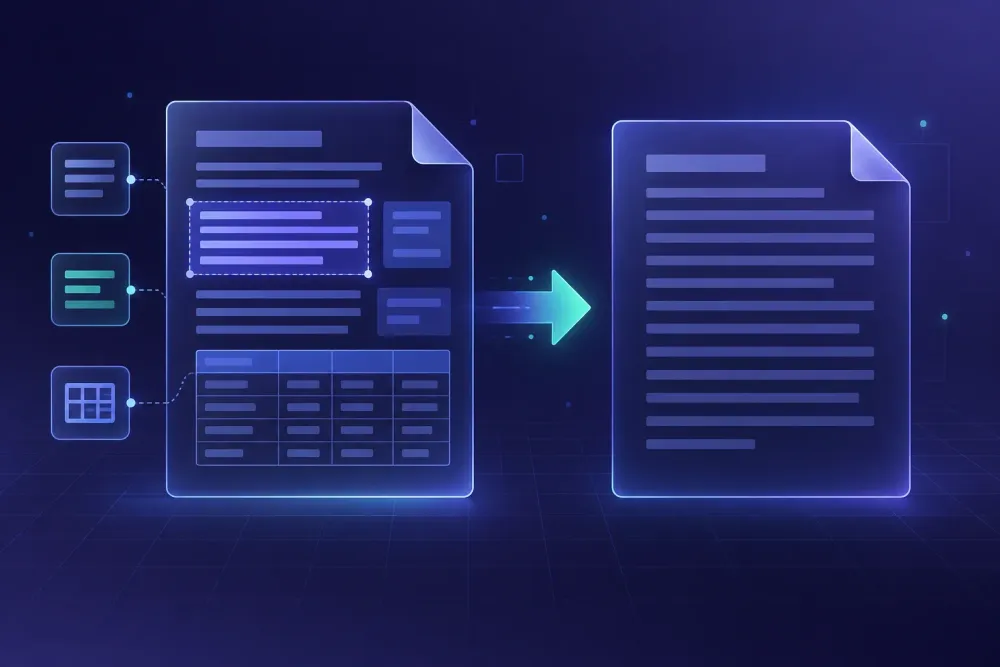
Most format decisions in a translation project get made by whoever attaches the file to the email, not by the person who has to translate it. That is why the docx vs pdf translation question never really goes away. The client sends a PDF because a PDF looks finished, the translator opens it, and there is nothing inside to work with. We see this most weeks, and our position has not moved in two years: if an editable DOCX exists anywhere in the client's organization, get it. A PDF is what you hand back at the end, not what you start from. What follows is why the gap between the two formats is wider than it looks, and what to do on the days when the PDF genuinely is all you have.
What a DOCX actually gives you
A DOCX is a zip archive with XML inside. That sounds like trivia until you have to translate one. The XML records paragraphs as paragraphs, tables as tables with real rows and cells, footnotes tied to their anchors, headings tagged with the style that produced them. Every run of text sits somewhere in a structure, and that structure is what lets a CAT tool or a DOCX import step segment the file without guessing where one sentence ends and the next begins.
The practical consequences are the boring ones that decide whether a project is profitable. Your word count is a real number you can quote before you commit to a deadline. Segmentation follows sentence boundaries rather than line endings. Inline formatting, a bolded product name, a hyperlink, a superscript in a chemical formula, is attached to a character range, so it can travel into the target text instead of being reconstructed by hand. And the file you deliver is a document the client can edit, which is usually what they wanted in the first place even when they did not say so.
None of this makes a DOCX automatically clean. We have opened plenty that were built badly: paragraph breaks faked with manual line breaks, numbered lists typed as literal digits, whole tables pasted in as images, text hidden inside grouped shapes. A badly built DOCX can cost more to prepare than a tidy born-digital PDF. The difference is that a badly built DOCX can be fixed in the file itself, before translation starts, and the fix stays fixed.
Why a PDF is a printout, not a document
A PDF describes where marks go on a page. That is the whole design goal, and it is a good one: the file looks the same everywhere. But there is no paragraph object in a plain PDF, no table object, often no reliable reading order. Extraction tools reconstruct all of that from coordinates and font metrics, which means they are making educated guesses about your source text before a single word gets translated.
The guesses fail in recognizable ways. Two-column layouts interleave, so a sentence from the left column continues into the right one and the segment becomes nonsense. Words hyphenated at line ends arrive split in two. Running headers and page numbers get injected into the middle of body text. Tables lose their cell boundaries and land as loose lines, so the reader cannot tell which figure belongs to which row. Text that was drawn as vectors, common in diagram labels and logos, does not come out at all, which is the worst case because nothing signals that it is missing.
Then there is the layout problem on the way back. Even with perfect extraction, you now have to put the translation somewhere. Target text in German or Russian often runs longer than English by a noticeable margin, and a fixed page has no reflow. Someone has to make room, and that someone is usually a DTP person billing by the hour, or the translator doing unpaid DTP at 11pm.
We are not arguing that PDFs are useless in translation. They are excellent reference material. When a client sends both a DOCX and the PDF it was exported from, we look at the PDF constantly to see how the document is meant to read. As a source for translation, though, it is a derivative of a file that already exists somewhere.
DOCX vs PDF translation: what each format really costs
The cost difference shows up in three places, and only one of them is the translation itself.
Preparation is the first. A clean DOCX needs a look at text boxes and embedded images and then it is ready. A born-digital PDF needs extraction, a reading-order check, table rebuilding, and a comparison against the original page to find dropped text. On a 40-page equipment manual we worked through last spring, that gap was close to four hours before anyone translated a word. The manual had been exported from a layout tool, and every warning box, which was the part the client cared about most legally, came out of extraction as a free-floating line with no visible relationship to the step it warned about.
Quality assurance is the second. When your source segments are reliable, a QA report tells you something about the translation. When your source segments were reconstructed by guesswork, QA flags are contaminated by extraction artifacts, and reviewers start ignoring the report because most of what it catches is not a translation problem. That habit is expensive and hard to reverse.
Rebuilding is the third, and it is the one clients underestimate. A translated DOCX comes back as a working document. A translated PDF comes back as a new layout job, and the invoice line for it often costs more than the translation.
The one case where a PDF is cheaper is a short, simple, single-column file where nobody needs an editable result. A one-page certificate, a scanned invoice, a two-paragraph letter. Below roughly two pages of plain text, chasing the source file can genuinely cost more than working from the printout. Above that, in our experience, the chase pays for itself almost every time.
When the PDF is genuinely the only file that exists
Sometimes there is no DOCX. The document was produced by a firm that no longer exists, or signed and archived a decade ago, or generated by a reporting system that only outputs PDF. Those jobs get done, and the route depends on which kind of PDF you are holding.
Born-digital PDFs
If you can select the text, the text is in there. Convert to DOCX with a tool you have tested on that kind of layout, then treat the output as a draft that needs cleaning rather than a source file. Read the converted document against the PDF page by page: check that tables became tables, that the reading order is right, that nothing disappeared from diagrams. Fix the structure before translation starts, not after. We have written a longer walkthrough of the layout side of this elsewhere on the blog.
Scanned PDFs
A scan is an image. OCR has to run first, and OCR quality decides everything downstream. Modern engines handle clean 300 dpi scans of ordinary Latin-script text well. They still struggle with stamps and handwriting, with faint faxes, with tables whose lines are crooked from the scanner bed, and with mixed scripts on one page. Numbers are the dangerous part, because a misread digit in a dosage or a contract sum reads as perfectly plausible text. Anything with figures in it needs a human check against the image before translation, not after. The full workflow is in our post on translating scanned PDF documents.
Either way, build the conversion into the quote as its own line. It is preparation work, it takes real time, and clients accept it much better when they can see what they are paying for.
How to ask a client for the editable source
Most of the time the DOCX exists and nobody thought to send it. The person emailing you is not the person who wrote the document. They found the final PDF on a shared drive because that was the version marked final.
So ask specifically. "Can you send the Word file this PDF was made from?" gets results that "do you have an editable version?" does not, because the second question sounds like a technical favor and the first sounds like a small errand. Name likely owners: marketing usually has the source of a brochure, legal has the contract template, the engineering team has the manual. If the document came out of a layout tool, ask for the IDML export instead. If it started life as a spreadsheet, and price lists and specification tables usually did, ask for the XLSX, which is a far better starting point than a PDF of the same table. Presentations follow the same logic, so ask for the PPTX rather than the exported handout.
One case that stuck with us: a client sent a 60-page annual report as a PDF and asked for a quote. We asked who had produced the design. Their marketing manager found the original DOCX in a Dropbox folder within the hour, and the project went from a layout-heavy job with a rebuild line in the quote to an ordinary document translation. Nobody had been hiding the file. Nobody had been asked for it.
It also helps to tell clients what they get for the trouble, in their terms: a translated file they can edit themselves next year when the product changes, instead of a PDF they have to pay someone to touch.
What to check before translation starts, whichever file you got
A short pass through the source file, ten minutes on most documents, prevents most of the mess that shows up at delivery.
Open the file and look for text that is not really text. Images with captions burned into them, diagram labels inside grouped shapes, text boxes that fall outside the main flow, content in headers and footers, footnotes, and, in workbooks, hidden sheets and comments. Each of these needs an explicit decision: translate, skip, or hand to the client as a question. Then check the numbering and the cross-references. Autonumbered lists and field-based references survive translation cleanly; digits typed by hand and cross-references written out as plain text will drift and nobody will notice until the client does.
For converted PDFs, add one more step: a page-by-page count of tables and figures against the original, plus a spot check of any page with a figure in it. This takes minutes and catches the omissions that are otherwise invisible until a client with the original in front of them finds them. Our post on translating a DOCX without breaking the layout covers the DOCX-specific traps in more detail.
If an AI step is part of your workflow, the format question decides what it can do for you. SnapIntel takes DOCX, XLSX, and PPTX files directly, prepares domain analysis, glossary, and prompt before anything is translated, and returns the translated document together with a QA report and a neutral source/target XLSX export you can move into any CAT tool. PDF is not one of the supported ingestion formats, which is the honest version of everything above: the conversion to an editable file has to happen first, and it is worth doing properly. You can see how the workflow is put together at snapintel.io.
The rule we use when a PDF lands in the inbox
Before quoting, send one email asking for the file the PDF was made from, and name the likely owner. Give it a day. If the DOCX, XLSX, or PPTX turns up, you have a clean project and you stop thinking about formats. If it does not, decide which kind of PDF you have, quote the conversion as a separate line with its own hours, and write into the quote whether the deliverable is an editable document or a laid-out file. That last sentence prevents the argument that otherwise arrives on delivery day.
The part worth defending is the one-day pause. It feels like a delay when the client is in a hurry, and it is the cheapest hour in the whole project. On a document of any size, the file you are given is rarely the best file available, and the only way to find out is to ask a specific person for a specific file.