Wordfast vs Smartcat: which is better for freelancers on a budget?
Wordfast vs Smartcat for freelancers on a budget: pricing models, TM workflow, AI pre-translation, and which CAT tool actually fits your work.
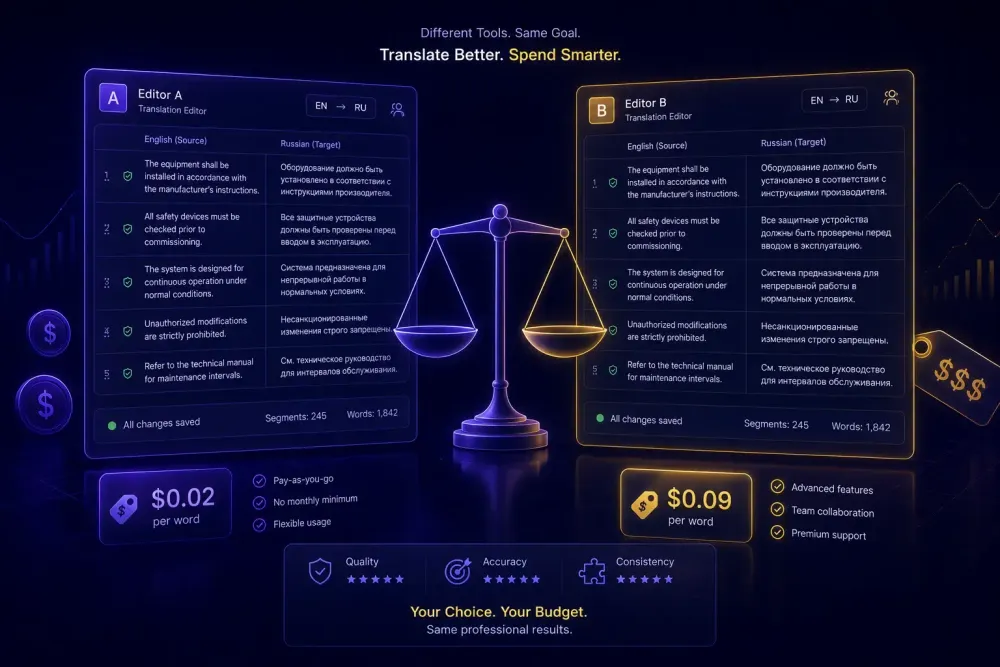
For freelancers weighing Wordfast against Smartcat, the comparison is less obvious than it looks. Both offer translation memories, glossary support, and usable CAT editors. But they're built on different premises about what a freelance translator actually needs — and those premises produce genuinely different cost structures, interfaces, and day-to-day working rhythms. This breakdown covers the wordfast vs smartcat question from a budget-first angle: what you actually pay, what you get, and where each tool falls short.
What Wordfast is, and who it was built for
Wordfast has been around since 1999, when the first version ran as a VBA macro inside Microsoft Word. That origin still shapes the product line.
Wordfast Classic is a Word add-in. You install it and translate inside the Word document itself, with source and target text in alternating rows in the same file. No separate editor window. You see the document more or less as the client will receive it, which means formatting problems tend to surface during translation rather than on delivery.
Wordfast Pro is the standalone application — a cross-platform Java tool that runs on Windows, macOS, and Linux. It uses a split-panel editor with source on the left, target on the right, and a match panel below showing TM results, glossary hits, and MT output. The interface is spare and functional. Experienced CAT tool users find it straightforward; translators new to CAT tools may prefer something with more visual guidance.
Wordfast Anywhere is the web-based free version. It covers the basic TM and glossary workflow and is a reasonable starting point for translators who want to try the Wordfast approach before paying. The free version has constraints on storage and features compared to Wordfast Pro.
Across all three versions, translation memories and glossaries are stored as local files. You control the data, nothing depends on a server, and offline work functions without any configuration. TMX import and export is clean, so moving TM content to or from Trados, memoQ, Phrase, or other CAT tools is standard.
The company's audience has always been the professional freelancer, and the product philosophy reflects that: a solid TM engine, reliable glossary integration, and clean file handling — without agency project management features or marketplace functions built in. Whether that focus feels refreshing or limiting depends on what you need the tool to do.
What Smartcat is, and where it's gone
Smartcat started as a cloud-based project management and CAT platform aimed at agencies. Multiple translators could work on the same file simultaneously; project managers could assign tasks and monitor progress; freelancers could receive and deliver work through the platform. The browser-based CAT editor held up well against desktop alternatives on standard features: TM lookup, glossary display, QA, keyboard shortcuts, inline comments.
Since then, the product has reoriented toward what Smartcat describes as an AI-driven translation platform. The company now positions its product around a multi-agent AI system where specialized agents handle document translation, PDF processing, website translation, media localization, and more. Users interact through a chat-style interface: upload a file, describe the task, and the agents handle execution. Smartcat's pipeline selects what it describes as the best translation engine per language pair, applies TM matches first, then AI translation for the remainder, then QA checks and automatic glossary-term corrections.
The traditional CAT editor still exists and works. Smartcat supports 280+ languages and a wide range of formats — DOCX, PDF, PPTX, HTML, XLSX, video, images, SCORM. The platform also runs what it calls the world's largest vetted linguist marketplace, with 500,000+ freelancers. For a freelance translator, this means Smartcat can be both your working environment and a source of incoming project assignments. Wordfast doesn't offer that combination.
Pricing: the honest breakdown
Wordfast uses flat-fee licensing. Wordfast Classic has a free version limited to 1,000 TM segments and a paid license. Wordfast Pro is sold as an annual subscription, historically priced significantly below Trados or memoQ. Once you've paid, the cost doesn't scale with volume. Translating 10,000 words one week and 50,000 the next costs exactly the same. For high-volume freelancers, the per-word cost of the license drops as output grows.
Smartcat uses a credit system called Smartwords. One Smartword equals translating one word with AI. Working in the CAT editor — reviewing, editing, confirming segments — doesn't consume credits. But if you run AI pre-translation before post-editing, each word through the pipeline uses one Smartword. Credits are available via subscription or pay-as-you-go; unused Smartwords expire at the end of the subscription term.
In practice, at low volumes Smartcat is accessible with little or no upfront cost. At higher volumes, the per-word credit spend adds up proportionally. A freelancer doing 30,000 words of AI pre-translation per month spends 30,000 Smartwords. Whether that's cheaper or more expensive than a Wordfast Pro annual license depends on current Smartcat plan pricing — the math is worth doing against your actual numbers, not assumptions.
One concrete difference at the entry point: Wordfast Anywhere's 1,000-segment free limit doesn't cover a real project. Smartcat's free tier gives you a working cloud environment with TMs and glossaries from day one. If you're early in your CAT tool exploration, that gap matters.
Translation memory and glossary in practice
In Wordfast, your TM is a local folder on your machine. TMX import and export works cleanly, which matters when an agency sends you their TM before a project starts or when you need to hand a memory back to a client after finishing. The offline-first model means the TM is always available. The tradeoff: sharing a TM across your own machines, or giving a collaborator live access, means exchanging files manually rather than pointing to a shared resource.
In Smartcat, TMs live in the cloud workspace. Exact TM matches apply automatically and cost zero Smartwords — meaningful on projects with repetition. Fuzzy matches are suggested in the editor at roughly 40% of the full Smartword cost, per Smartcat's pricing model. Open a Smartcat project and the relevant TM is already associated; there's nothing to import first.
Glossaries follow the same split. Wordfast stores them as local tab-delimited text files; Smartcat keeps them in the workspace and associates them per project. Both display glossary matches in the editor interface while you translate. In Smartcat, the glossary also feeds into the AI pre-translation pipeline, so approved terms get applied automatically when pre-translation runs — you don't need a separate QA pass to catch terminology misses that were already in your glossary.
For a freelancer with a few regular clients, either model works. For someone managing TMs and glossaries across years of varied projects, Wordfast's local file model requires real organizational discipline — a folder structure, clear naming conventions, and discipline about which TM to load at the start of each project. Smartcat's workspace model keeps client contexts more cleanly separated, though only within the Smartcat environment itself.
One thing worth acknowledging: this works best when your glossary is well-built in the first place. A weak or underpopulated glossary produces weak terminology enforcement regardless of which tool you're in.
The editing experience
Wordfast Classic translates inside Word. If you've spent years working in that environment, the absence of a separate editor window is a genuine comfort. Formatting problems show up while you're translating — if a bold span drops or a table cell breaks, you see it in context, not after export. The Wordfast toolbar overlays the Word interface and the keyboard shortcuts take an afternoon to learn.
Wordfast Pro has a dedicated editing environment that's clean without being minimal. Source on the left, target on the right, match panel below. QA runs as a separate step after translation rather than continuously inline. Translators who've worked in other desktop CAT tools usually adapt within a day or two.
Smartcat's browser editor is the most visually polished of the three. Source and target appear in parallel columns; TM matches, glossary suggestions, and AI pre-translation output show in a side panel. QA flags surface inline while you work rather than requiring a separate review pass. The interface is clean and requires minimal setup time for someone new to Smartcat.
The practical constraint: Smartcat's editor is browser-native. For translators who switch between devices regularly, that's convenient — open any machine, log in, everything's there. For translators working somewhere internet is unreliable, it's a real limitation that Wordfast simply doesn't have.
All three editors support standard CAT keyboard shortcuts for segment navigation, confirming translations, and inserting TM matches. The learning curve between them is shorter than marketing materials tend to suggest. Most translators adapt to a new CAT editor within a week of real project work.
AI pre-translation: what each tool actually offers
"AI translation" means different things in these two products, and being specific about it avoids disappointment later.
In Wordfast, AI pre-translation means routing your content through an external MT engine via API. Wordfast Pro connects to DeepL, Google Translate, and other MT providers. You configure an API key, set up the engine in preferences, run pre-translation on your project, and segments populate before you start post-editing. Wordfast isn't the AI — it's the interface that passes your content to an external service and returns the output.
This gives you direct control over which engine you use. If DeepL consistently produces better output for your language pair and subject matter, you direct all traffic there. If you have an existing arrangement with a different provider, that works. The cost of pre-translation is whatever the external MT API charges, separate from the Wordfast license.
In Smartcat, AI pre-translation is integrated into the platform. The pipeline runs TM lookups first, then AI translation using what Smartcat describes as the best engine for the language pair, then QA checks and glossary-term corrections — all in one step. You don't pick the engine. For translators who'd rather focus on post-editing than manage engine configurations, this is simpler. For translators who've developed strong preferences about which MT output to work with, the abstraction removes a choice they'd want to make.
One thing worth being direct about, regardless of tool: AI pre-translation produces a reviewable first draft, not a finished translation. Output quality varies by language pair, domain, and how well your glossary is configured. Neither tool removes post-editing from the workflow — they reduce the time it takes to produce a draft worth editing. If you're doing 2,000 words a day and AI pre-translation saves you 90 minutes of first-draft typing, that's real. But the review still happens.
This doesn't apply if you're working on highly specialized technical content where MT quality is poor enough that pre-translation creates more cleanup work than it saves.
Wordfast vs Smartcat: which fits a budget-conscious freelancer?
Format coverage is comparable for most freelance work. Both handle DOCX, PPTX, XLSX, HTML, and common software localization formats. Wordfast Pro extends into InDesign and desktop publishing formats; Smartcat's AI agents add video, images, and scanned PDF processing to the mix. For the majority of freelance translation work, format support won't be the deciding factor.
The real question comes down to cost model and workflow preferences.
Wordfast fits you better if you want flat-fee pricing that doesn't scale with volume, translate enough monthly volume that per-word credits would accumulate, work offline regularly, or want your TM and glossary data stored on your own machine. If you spend most of your working time in Microsoft Word anyway, Wordfast Classic's Word-native approach removes one context switch from your day.
Smartcat fits better if you want to start without an upfront commitment and scale from there, work across multiple devices, receive project assignments through the marketplace, or want AI pre-translation built in rather than configured through separate API keys. The Smartwords model works well at lower monthly volumes; at higher volumes, running the numbers against a Wordfast annual license is worth doing.
One note for freelancers approaching this from an AI document translation angle specifically: if you want to translate a DOCX, XLSX, or PPTX with a structured glossary and get a QA report on the output — without tying the workflow to any particular CAT platform — standalone tools exist for that. SnapIntel handles it as a self-contained document workflow separate from any CAT tool setup, which some translators find useful when they want AI translation without the full platform overhead.
Takeaway: Before spending money on either tool, spend two weeks with Wordfast Anywhere on an actual client project — not a test file. Then try Smartcat's free account on a comparable project. Don't compare feature checklists; compare how long it takes you to go from a new file to a delivered translation. That gap tells you more than any spec sheet.