Google Translate vs Professional AI Translation: Where the Gap Shows Up in Real Documents
Google Translate vs professional AI translation: where the two diverge in real DOCX, XLSX, and PPTX files, and how to decide which one a document needs.
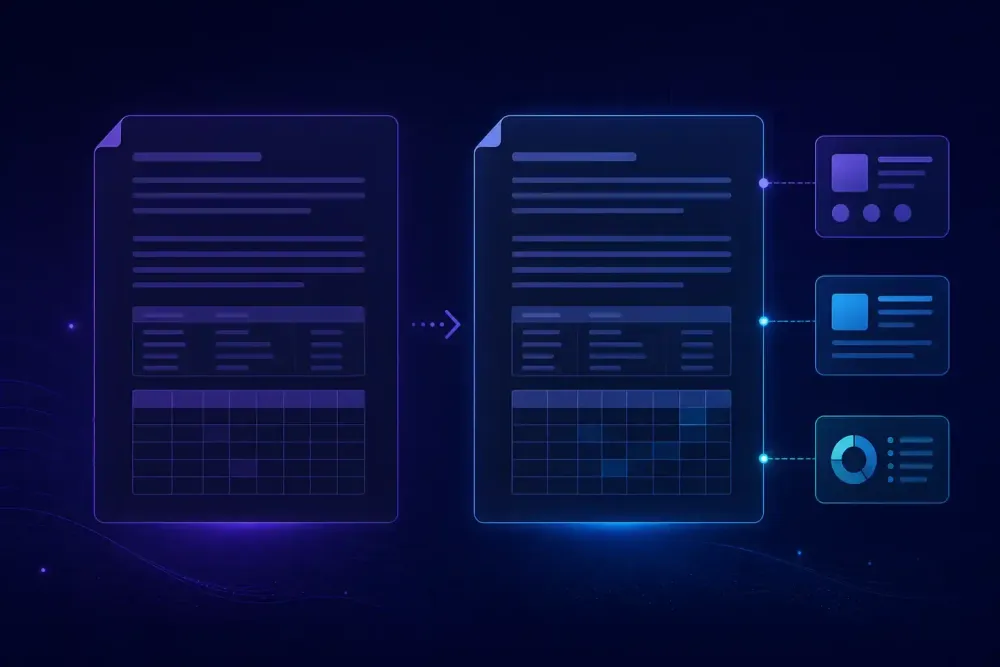
A client sends a 40-page equipment manual in DOCX and asks how fast you can turn it around. Someone pastes it into Google Translate, gets a readable file back in about twenty seconds, and asks the obvious question: why pay for anything else? That question sits behind most searches for google translate vs professional ai translation, and it deserves a better answer than "free tools are bad." Google Translate is a strong engine. We have watched it produce sentence-level output a professional would sign off on without edits. The gap between it and a professional AI translation workflow rarely shows up in individual sentences. It shows up once a document has structure, repeated terminology, and somebody downstream who has to put their name on the result.
What google translate vs professional ai translation really compares
The comparison is a category mismatch, and naming that mismatch is the fastest way to make the decision easier. Google Translate is a translation engine with a thin file wrapper around it. A professional AI translation tool is a workflow with an engine somewhere inside it. Those are different products solving different parts of the same problem.
Four things differ, and engine quality is not one of them. The first is input handling: what the tool does with a table, a merged cell, or a grouped shape before any text reaches a model. The second is terminology control: whether you can force a specific rendering of a specific term for a specific client. The third is the scope of consistency: whether a decision made on page 3 still holds on page 34. The fourth is what you get back besides the file, meaning a quality report, an error breakdown, or a bilingual export you can reuse.
Raw engine quality has converged enough that it is now the least differentiated part of the stack. Slator and CSA Research have both documented buyers shifting their evaluation criteria away from "which engine scores highest" toward workflow control, data handling, and review process. That shift is not marketing. It reflects what actually goes wrong on real jobs: the sentences come back fine and the delivery still fails, because a part number got translated, a warning label lost its numbering, or the same component has three names across one manual.
This framing has a limit. If your document is a single paragraph of plain prose in a common language pair, none of the four differences matter and the free tool wins on effort. That case is more common than tool vendors like to admit.
Where Google Translate is genuinely good enough
We would rather be honest about this than pretend otherwise. There is a large class of translation work where reaching for a professional workflow is wasted motion.
Comprehension is the clearest case. A supplier emails a two-page notice in Turkish and you need to know whether it changes your delivery date. Paste it, read it, move on. Nobody is signing off on the output, nobody is filing it, and a clumsy sentence costs nothing. The same applies to scanning a contract before deciding whether to send it to a translator, or reading a competitor's press release.
Short self-contained text in high-resource language pairs is the second case. English to Spanish, French, German, or Portuguese, in flowing prose with no domain vocabulary, is territory where Google Translate has been reliable for years. The training data is enormous and the sentence structures are close enough that fluency holds up.
The third case is the one people forget: text with no structure to break. A plain TXT file, a single-column list of city names, a paragraph pasted from a website. There is no layout to preserve, so the wrapper problem disappears entirely and you are comparing engines directly.
Where this stops working is the moment output becomes deliverable. The distinction we use internally is whether anyone downstream depends on the translation being right rather than merely understandable. A warehouse worker following a translated safety procedure depends on it. A procurement manager skimming a quote to decide whether to reply does not. That test is more useful than any feature comparison, because it is about consequence rather than technology, and most people can answer it in five seconds about their own document.
Terminology is where the gap opens first
Here is a case we see repeatedly. A pump maintenance manual, English to Russian, roughly 12,000 words. The source uses "seal," "gasket," and "packing" for three physically different components. Russian has good renderings for all three, but they overlap in ways that let a general-purpose engine collapse them. Google Translate produced "уплотнение" for all three in different places, which is defensible for each sentence in isolation and wrong for the document, because a technician reading the parts list cannot tell which component the procedure means.
No amount of engine quality fixes this, because the engine has no way of knowing the client's convention. It needs to be told. The free Google Translate web interface has nowhere to put that instruction. Glossary support does exist inside Google Cloud Translation Advanced, which is a separate paid product requiring engineering work to wire up, not something you reach through translate.google.com.
A professional AI translation workflow treats the glossary as required input rather than an optional extra. You supply the term pairs before translation starts, the terms go into the prompt that governs the run, and a QA pass afterwards checks whether the output actually honored them. That last step matters more than people expect. Giving a model a glossary and assuming compliance is optimistic; models drift, particularly in long documents and particularly when the source term appears in an unusual grammatical position.
The second example is shorter. A financial statement where "provision" must be "резерв" and never "обеспечение," because the client's auditors read it that way. One term, one rule, and a free tool has no mechanism to accept the rule. This is the whole gap in miniature: the engine is not the problem, the absence of a place to put your requirements is.
Document structure: tables, cells, and slides
Structure damage is more expensive than linguistic error, because fixing it is manual and nobody bills for it.
Take an XLSX equipment register with about 3,000 populated cells, merged header rows, a column of part codes, and formulas referencing a lookup sheet. Free document translators do one of several unhelpful things here. They translate the part codes, because a code like "VALVE-A-220" contains a recognizable word. They flatten merged headers. They lose sheet names, or return a file where the formulas now reference translated strings that no longer match anything. We have seen a translated workbook come back where every numeric cell had been reformatted to a different decimal convention, which is not a translation error at all but still made the file unusable.
DOCX manuals fail differently. Numbered warnings lose their numbering when list styles are rebuilt. Cross-references pointing to "Section 4.2" become plain text. Footnotes get appended in the wrong place, or headers and footers come through untranslated while the body is done, which looks worse than not translating at all.
PPTX is the newest common case and the most visible when it breaks. Text inside grouped shapes gets skipped. Speaker notes come back in the source language. Text in a table on a slide is handled but the same text inside a SmartArt object is not.
A workflow built for documents handles this by separating the two jobs: extract the visible translatable text into a normalized internal form, translate that, then reassemble it into the original container using stored structural metadata. Unsupported or hidden content passes through unchanged rather than being mangled. It is unglamorous engineering and it is most of what you pay for.
Consistency across a long document
Fluency is judged sentence by sentence. Quality is judged document by document. That difference explains most complaints we hear about AI translation output that "reads fine but is wrong."
A 60-page technical manual will use the same twenty phrases dozens of times: a product name, a warning formula, a UI label, a job title. A segment-level process has no obligation to render them identically. Each sentence gets a locally reasonable answer, and the document ends up with a component called three things and a warning phrased four ways. A reviewer then spends two hours normalizing terminology that was never wrong, only inconsistent, which is the most demoralizing kind of post-editing there is.
Professional workflows attack this from two directions. The glossary pins the terms that must not vary. Document-level or chunk-level context lets the model see enough surrounding material to keep phrasing stable in the places where no glossary entry exists, which is most of the document.
There is a second consistency problem that free tools cannot touch at all: consistency across time. That manual will be revised in eight months, and most of it will be unchanged. If your first translation left behind nothing reusable, you translate the whole thing again and get different output for identical source text, which the client will notice. A workflow that produces a bilingual source/target export gives you something to import as translation memory into whatever CAT tool you use, so the second pass only touches what changed.
This matters less if your documents are one-off and never revised. Marketing copy, correspondence, and one-time reports genuinely do not need it. Manuals, policies, catalogs, and regulatory documentation almost always do.
Reviewability, QA, and confidentiality
The question that separates a free tool from a professional one most sharply is not about quality. It is: what can you show the client?
With a free tool the answer is a translated file. If the client asks how you know it is accurate, you have nothing except your word. If they ask what terminology was applied, you have nothing. If a mistake surfaces three months later, you cannot reconstruct what produced it.
A professional AI translation workflow returns artifacts alongside the file: a QA report categorizing issues by type and severity, a quality rating, and the glossary and prompt that governed the run. That last item is what makes the output auditable. When a client disputes a rendering, you can point at the instruction that produced it and either defend it or fix the instruction and rerun. For companies without in-house linguists, an independent quality signal is often the deciding factor, because nobody internally can judge the translation directly.
Data handling deserves a plain statement rather than fear-mongering. Consumer and enterprise tiers of the same vendor frequently have different terms about retention and training use, so the honest instruction is to read the terms for the specific tier you are on rather than trusting a general reputation. If a document is under NDA or contains personal data, that reading is not optional, and "we used the free web tool" is not a defensible answer to a client's security questionnaire.
We should acknowledge the counterweight: QA reports are not proof of correctness. An automated report catches terminology deviations, number mismatches, omissions, and formatting breaks. It does not catch a fluent sentence that means the wrong thing. Human review remains the only thing that catches that, and no tool we know of changes it.
How to decide, document by document
Skip the feature comparison. Four questions settle it faster.
Does anyone sign off on this output, or is it for understanding only? Understanding only means use the free tool and stop reading. Does the file have structure that costs money to rebuild, meaning tables, merged cells, numbered warnings, or slide layouts? Are there terms with exactly one acceptable rendering for this client? Will this document be revised, so that the translation is worth keeping? One yes on questions two through four points toward a professional workflow. Three yeses make the decision for you.
Where SnapIntel fits, for the sake of transparency about who is writing this: it handles the structured half of that list. You upload DOCX documents, XLSX workbooks, or PPTX presentations, run domain analysis, generate or paste a glossary and a translation prompt, and approve both before translation starts. You get back the translated file in its original format, a neutral source/target XLSX export you can import into any CAT tool, and a QA report with a quality rating. There is a one-time trial of 5,000 words over seven days with no card required if you want to run it against a document you already know the answer for. Details are on snapintel.io and in the documentation.
The takeaway we would give a team standing at this decision: run one comparison on a document you already understand well. Take a manual or workbook you have had professionally translated before, put it through Google Translate and through a professional workflow, and read only three things in each output. Check whether your ten most important terms are rendered consistently. Check whether the tables, numbering, and cell structure survived. Check what artifacts you could hand a client. That test takes under an hour and it settles the question for your actual documents rather than for a benchmark someone else designed.